
SHAREit
SHAREit is a free Windows app from the SHAREit Team for moving photos, videos and documents between a PC and a phone. The current version is 5.1.0.7.
22.7 MB

OpenVPN GUI is the free Windows interface of the open-source OpenVPN client, used to connect to VPN servers with a configuration file.
Average 0.0 · ratings: 0
Thank you! Your rating is saved; you can change it. Could not save the rating. Please try again later. Too many ratings from your network today. Please try again tomorrow. The average appears after 5 ratings.
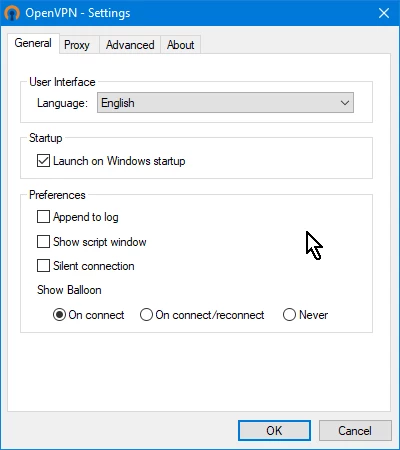
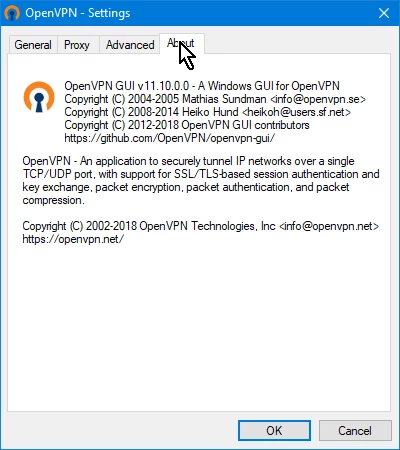
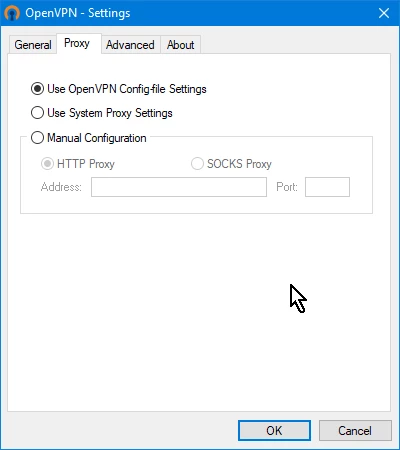
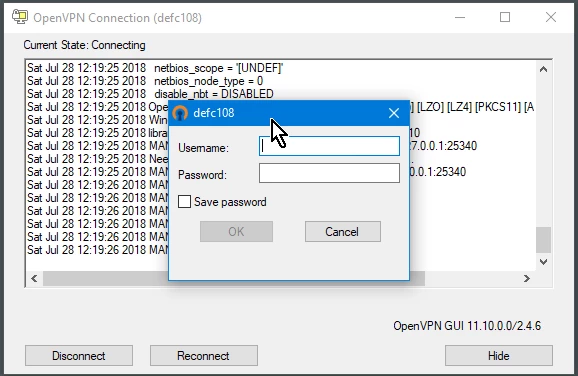
OpenVPN GUI 2.7.7 is the free Windows interface of the open-source OpenVPN client from the OpenVPN project. You download OpenVPN GUI for Windows when a VPN provider, your company or your own server gives you an OpenVPN configuration file and you need a program to connect with it.
OpenVPN is a widely used open-source VPN protocol and software. It is not a VPN service by itself: it is the technology that many services and companies use to build their networks. OpenVPN GUI is the small Windows front end that comes with the OpenVPN community installer. It sits in the notification area, lists the configuration profiles you have imported and lets you connect or disconnect with a right-click. Everything about the connection itself, the server address, encryption settings and certificates, comes from the configuration file, usually with the extension .ovpn. That is why the program looks almost empty right after installation: it waits for a profile. People use it to reach an office network from home, to connect to a VPN provider that offers OpenVPN files, or to access a self-hosted server at home. For users who prefer a guided app, many providers ship their own clients, which also use OpenVPN underneath.
A Windows PC with administrator rights for installation, and a configuration file from a VPN server. The client itself is small, about 5.59 MB according to catalogue data.
OpenVPN is open-source software that has been widely reviewed and used for years. The weak point is usually the configuration file: import profiles only from sources you trust, since a profile decides which server your traffic goes to. Keep the client updated, and download it only from openvpn.net or build.openvpn.net.
Yes. The community client and OpenVPN GUI are free and open source. The VPN server you connect to may be paid, depending on the provider.
Check the log from the icon's menu. Common causes are a wrong password, an expired certificate in the profile, or a firewall blocking the port. Profiles with errors should be fixed by whoever issued them.
Our site also lists OpenVPN Connect, the other official client, plus Tailscale for private device networks and provider apps such as Proton VPN and Windscribe VPN.
SHAREit is a free Windows app from the SHAREit Team for moving photos, videos and documents between a PC and a phone. The current version is 5.1.0.7.

Zapya for Windows is a free file transfer app from DewMobile for moving files between a PC and phones over a local wireless connection.

Easy Connection to Screen is Samsung's Windows app for showing a PC's screen on a compatible Samsung TV over a wireless connection.

Internet Download Manager (IDM) is a shareware download manager for Windows from Tonec that accelerates, resumes and schedules downloads.

uTorrent (μTorrent) is a small BitTorrent client for Windows from Rainberry (BitTorrent Inc) for downloading and sharing files over torrents.

AnyDesk is a remote desktop application for connecting to and controlling another computer over the internet, from a small Windows program.

ShareMe is Xiaomi's free app for sending files between devices without a cable; on Windows the Android app runs only inside an emulator.

Xender is a free file sharing app from the Xender File Sharing Team for sending files between phones and computers over a local connection.